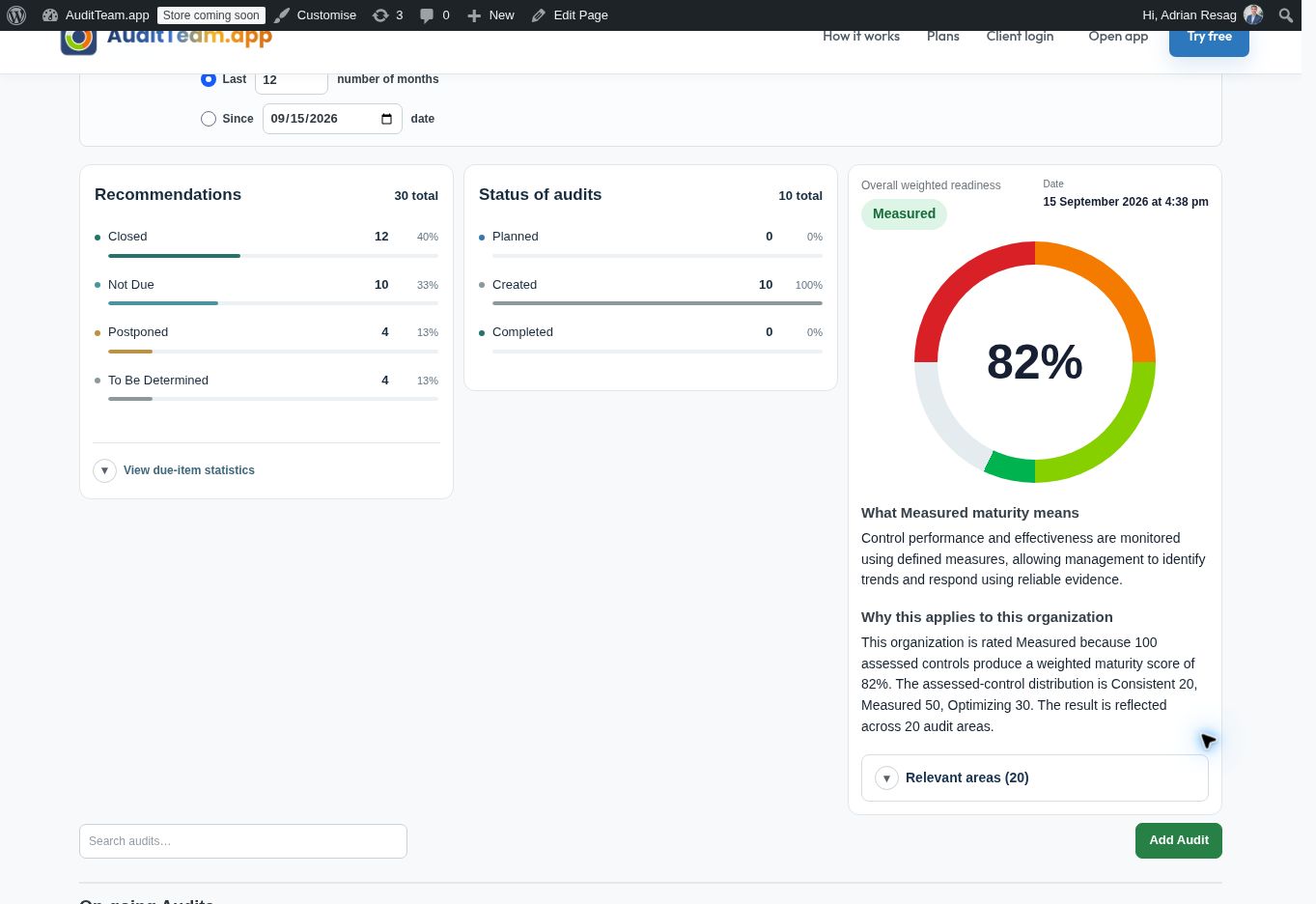
Understand your organizationStart with your organization and its objectives.
Describe the business, its priorities and operating context. Use AI assistance to develop a description your team can review and refine.
View full screenshot ↗Actual application screenshot · Fictional demonstration data · 15 September 2026
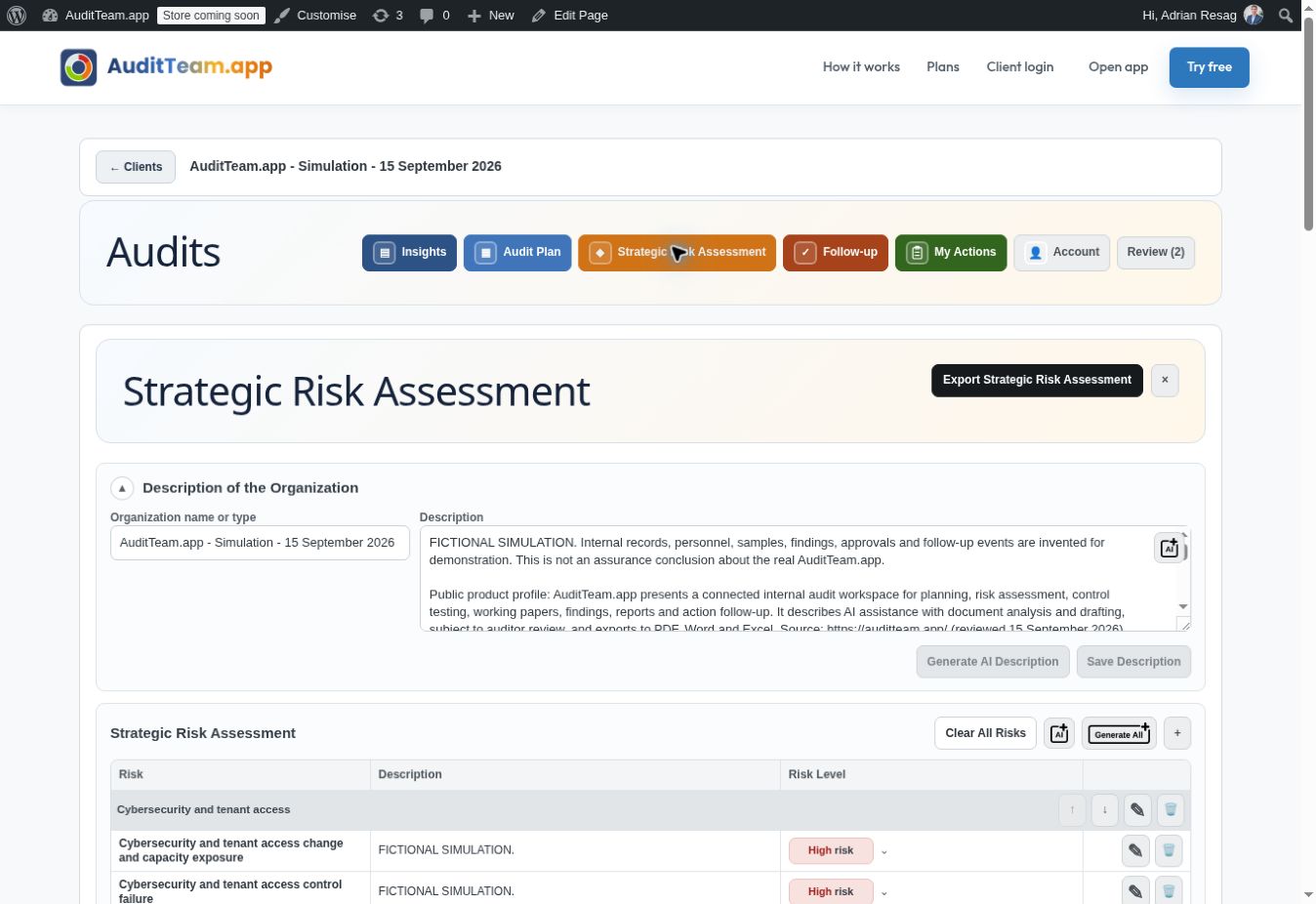
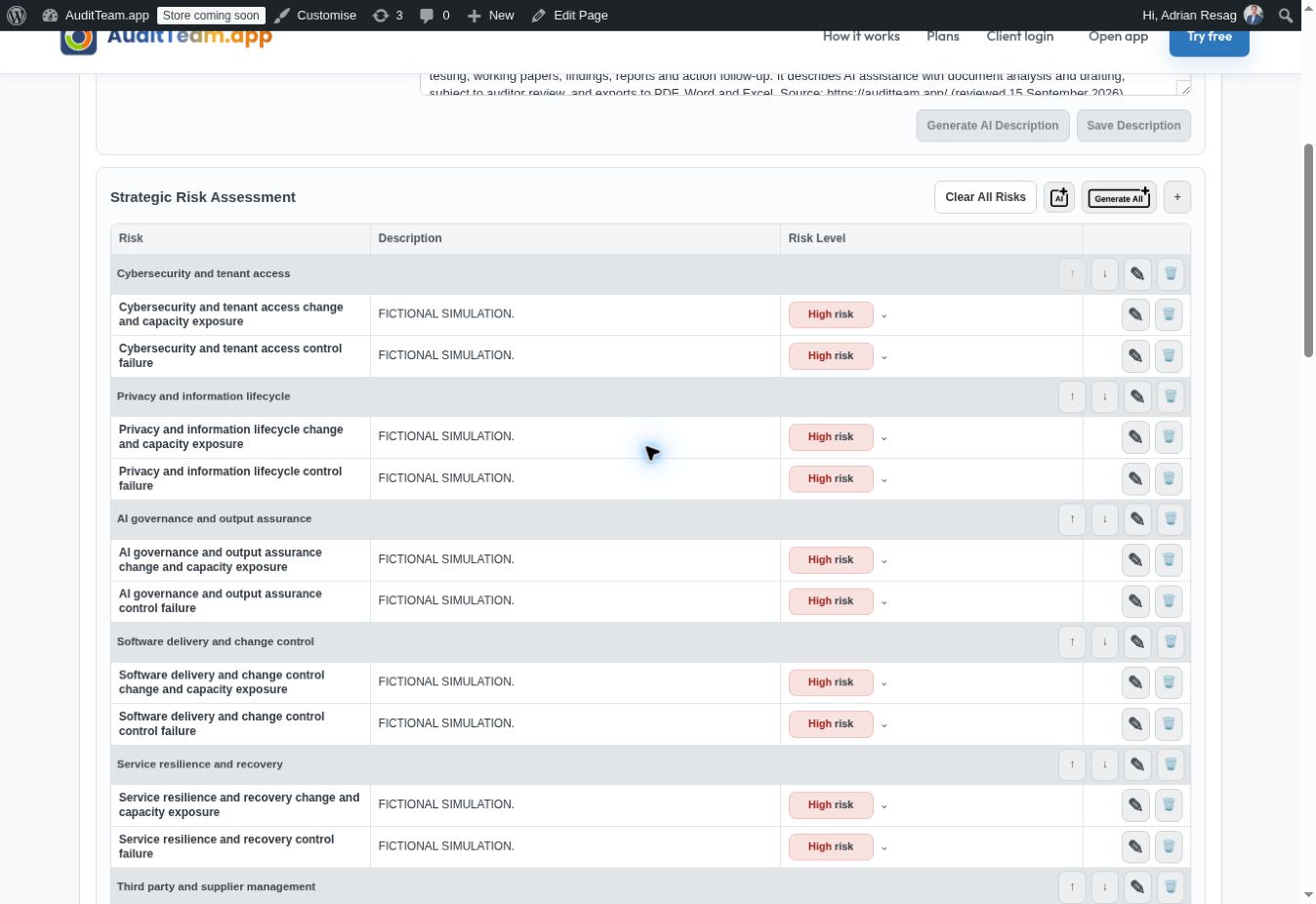
Assess strategic risksConnect strategic risks to audit priorities.
Assess and organize enterprise risks, review AI suggestions and set risk levels before shaping audit coverage.
View full screenshot ↗Actual application screenshot · Fictional demonstration data · 15 September 2026
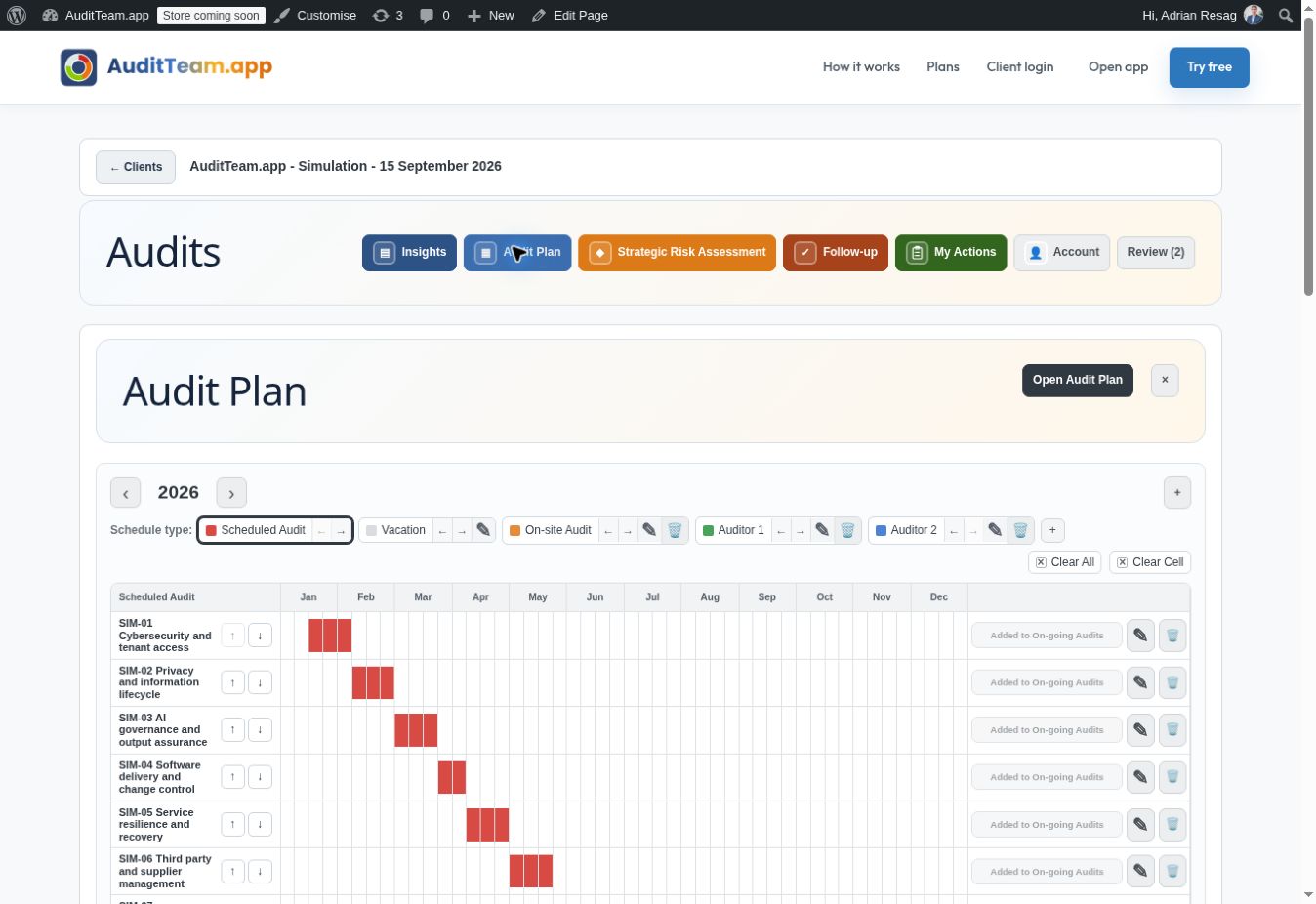
Build the internal audit planTurn priorities into a practical audit schedule.
Organize audits across the year, coordinate auditor schedules and document the basis and approval of your plan.
View full screenshot ↗Actual application screenshot · Fictional demonstration data · 15 September 2026
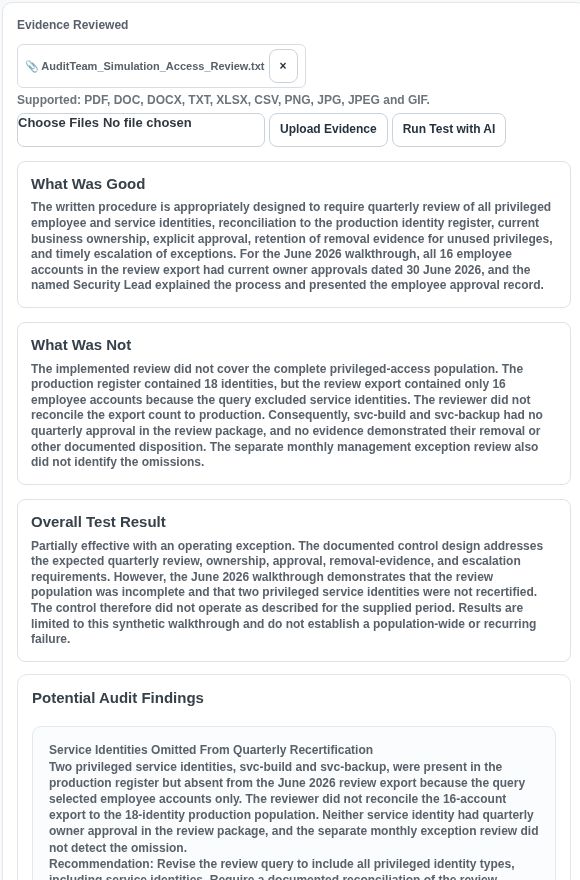
AI analyses your documentsFrom uploaded evidence to reviewable findings.
Upload policies, procedures or test evidence and run an AI-assisted control test. Review what was satisfactory, what was not, the overall result and proposed findings. This example shows AI identifying service accounts omitted from a simulated access review.
View full screenshot ↗Actual application screenshot · Fictional demonstration data · 15 September 2026
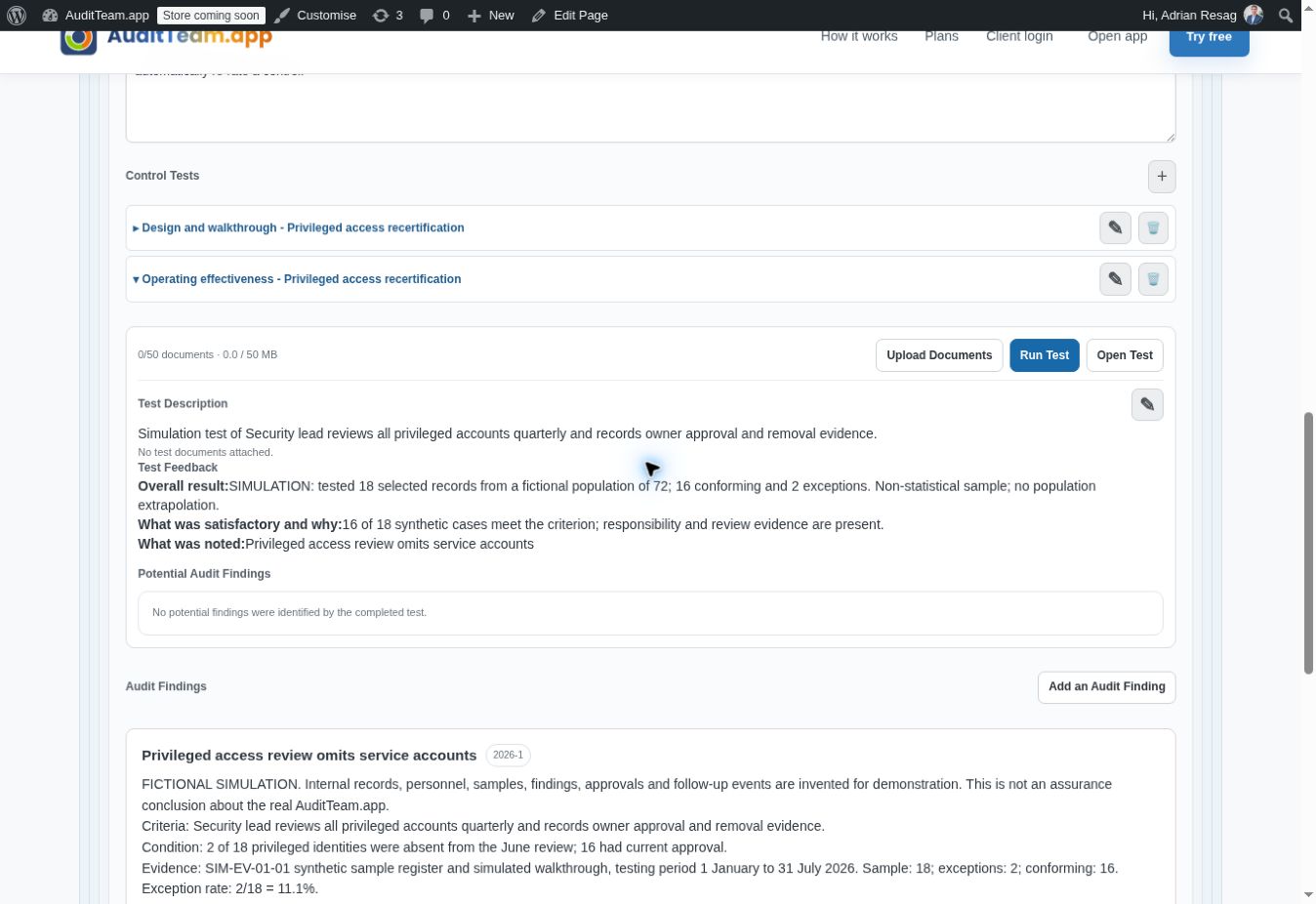
Build work filesKeep the evidence behind every conclusion.
Record control tests, results and findings in the audit work file. Keep the audit objective, risk, control and supporting work connected.
View full screenshot ↗Actual application screenshot · Fictional demonstration data · 15 September 2026
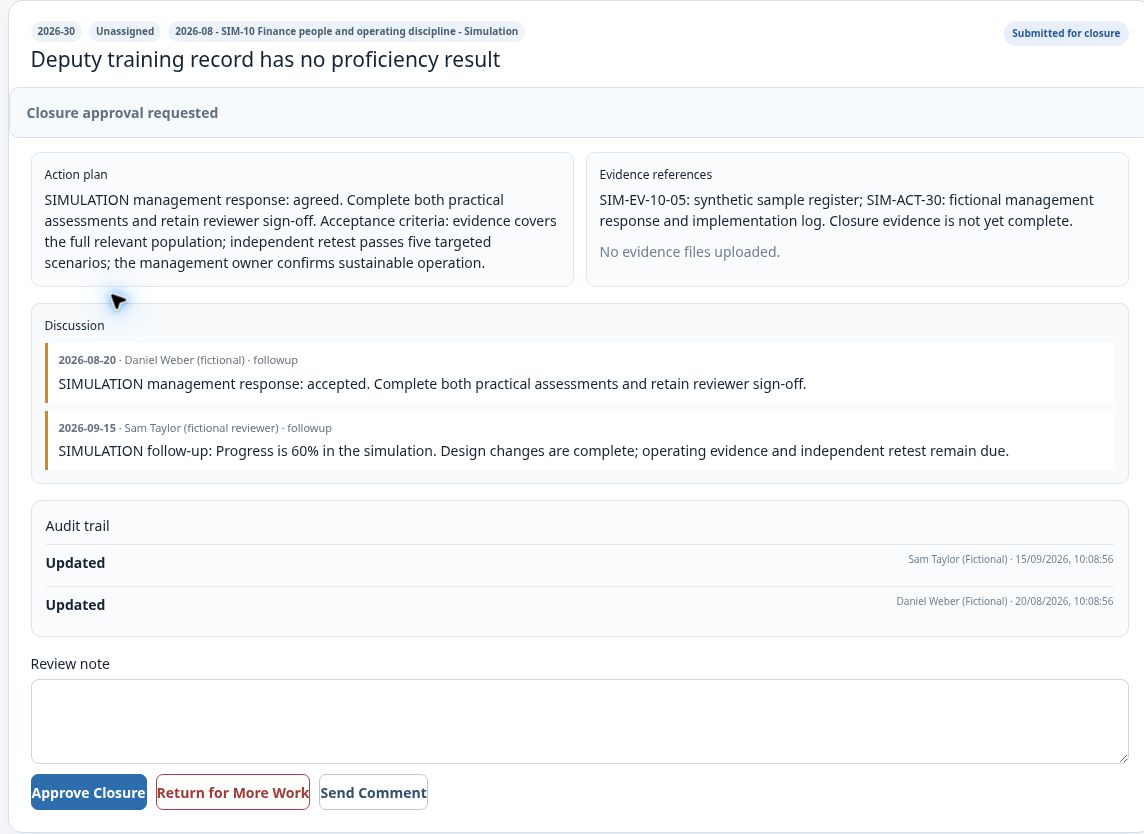
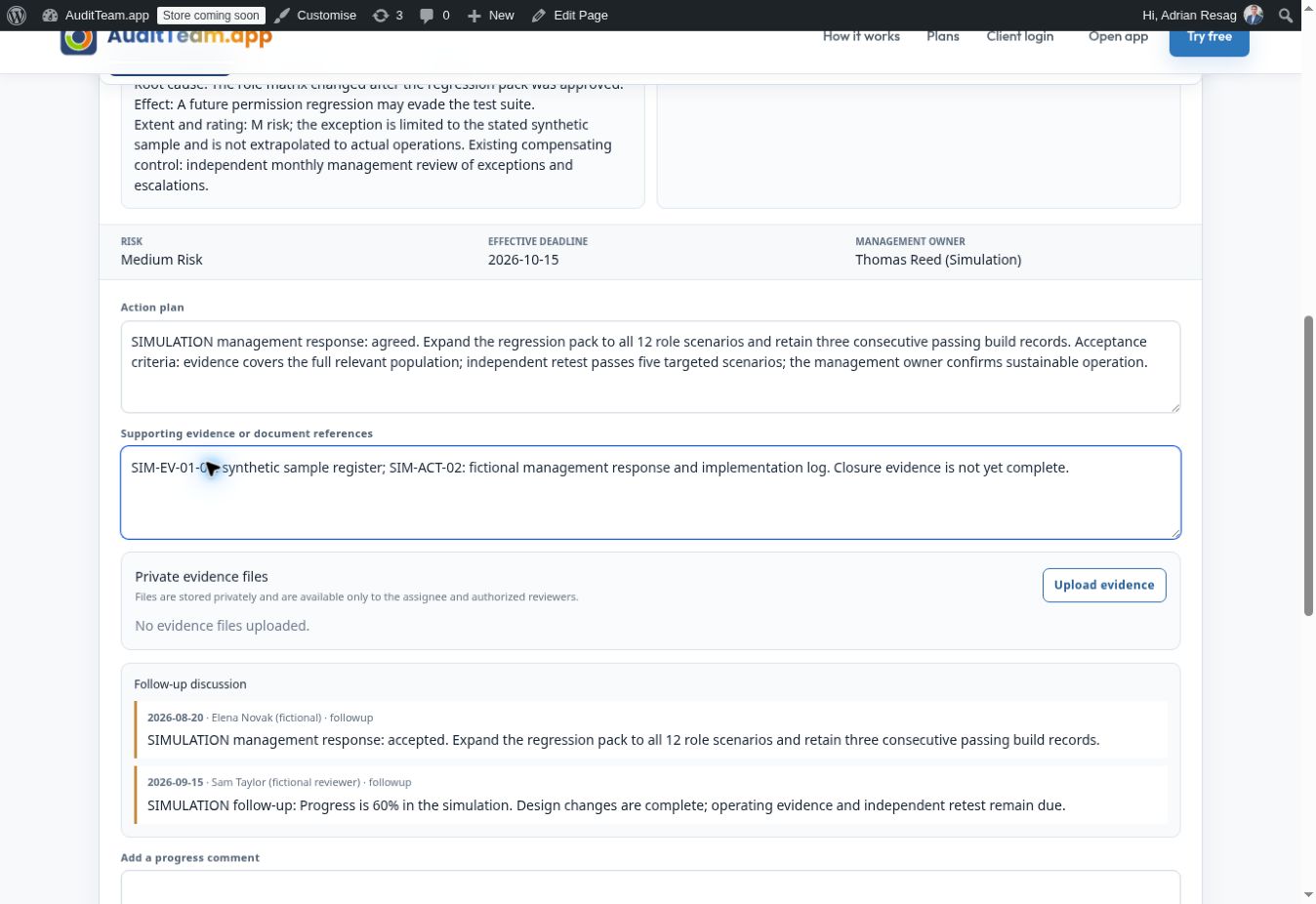
Manage your teamKeep independent review in the workflow.
Review submitted actions, examine evidence and discussion history, then approve closure or return the action for more work. The submitter cannot approve their own closure.
View full screenshot ↗Actual application screenshot · Fictional demonstration data · 15 September 2026
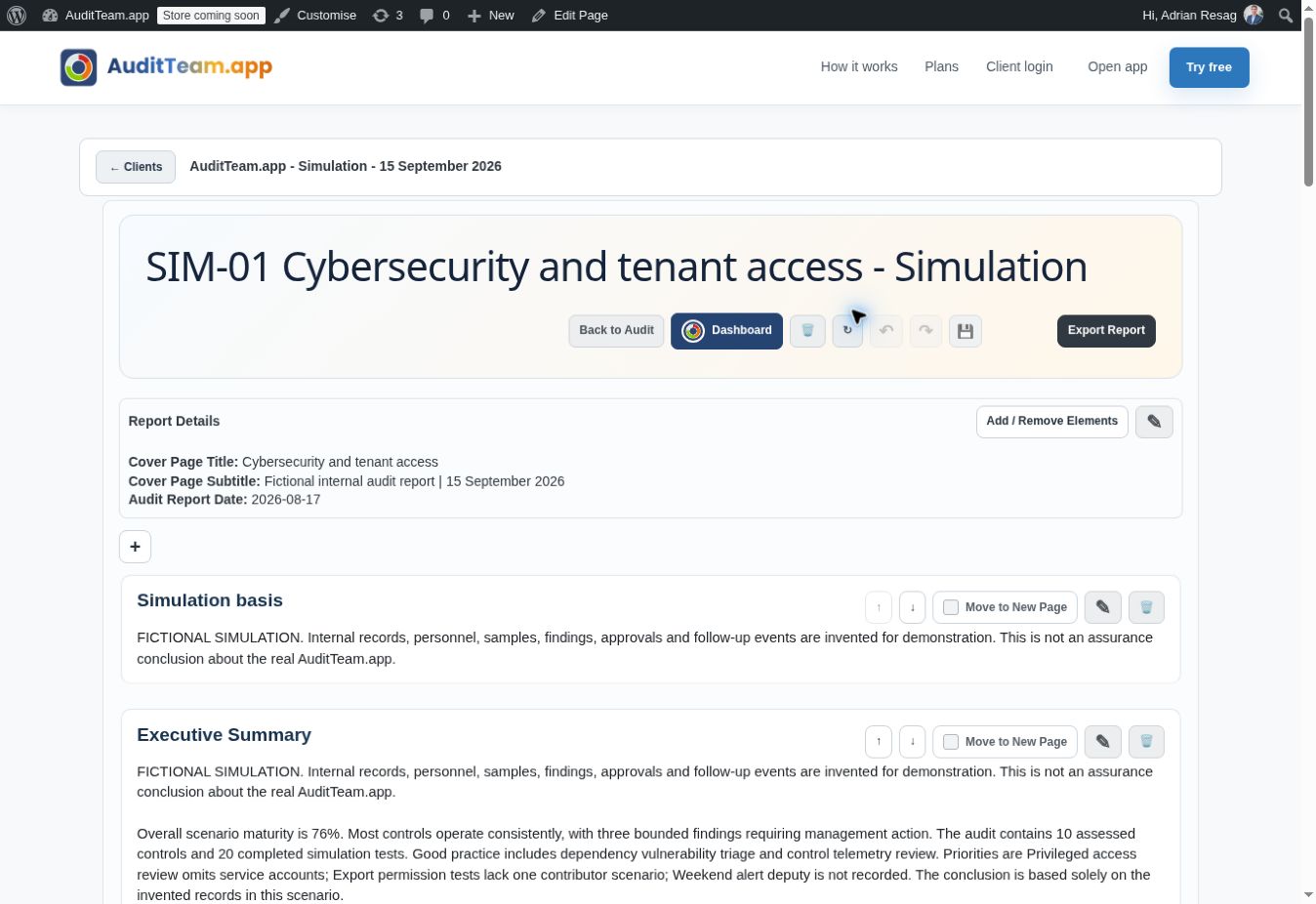
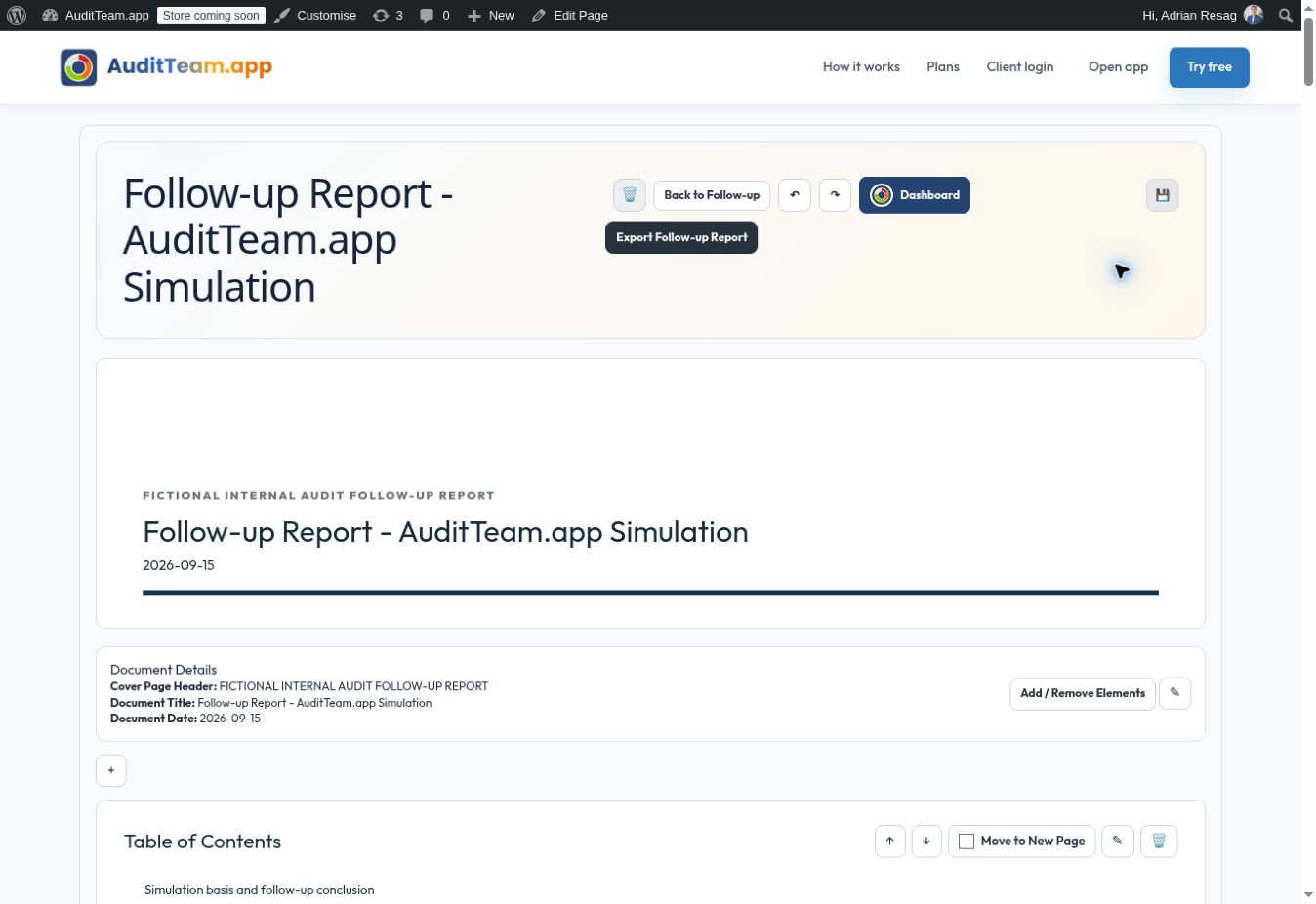
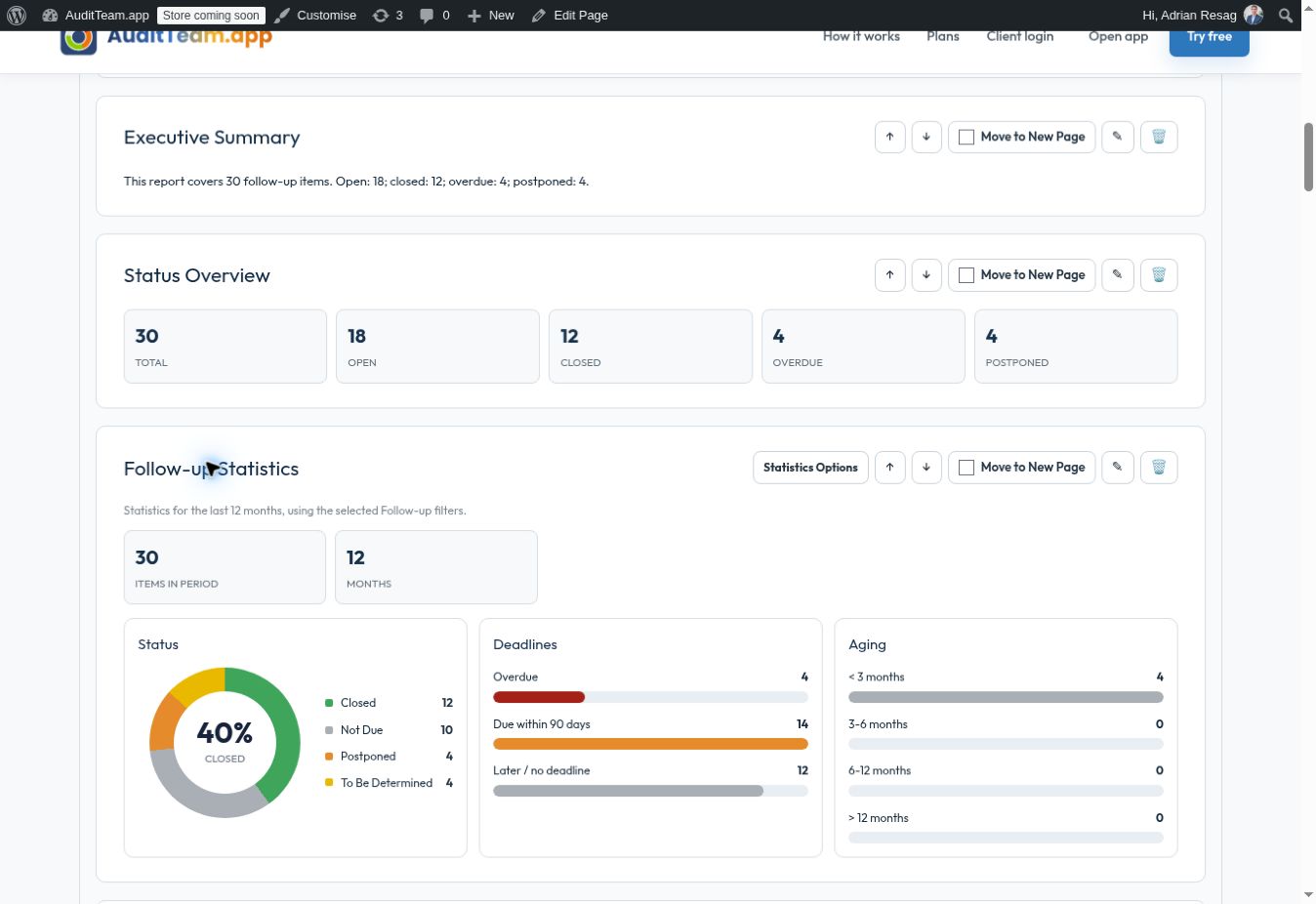
Create the audit reportBring the audit story together.
Build the report from audit work, organize its sections and refine conclusions before exporting the finished document.
View full screenshot ↗Actual application screenshot · Fictional demonstration data · 15 September 2026
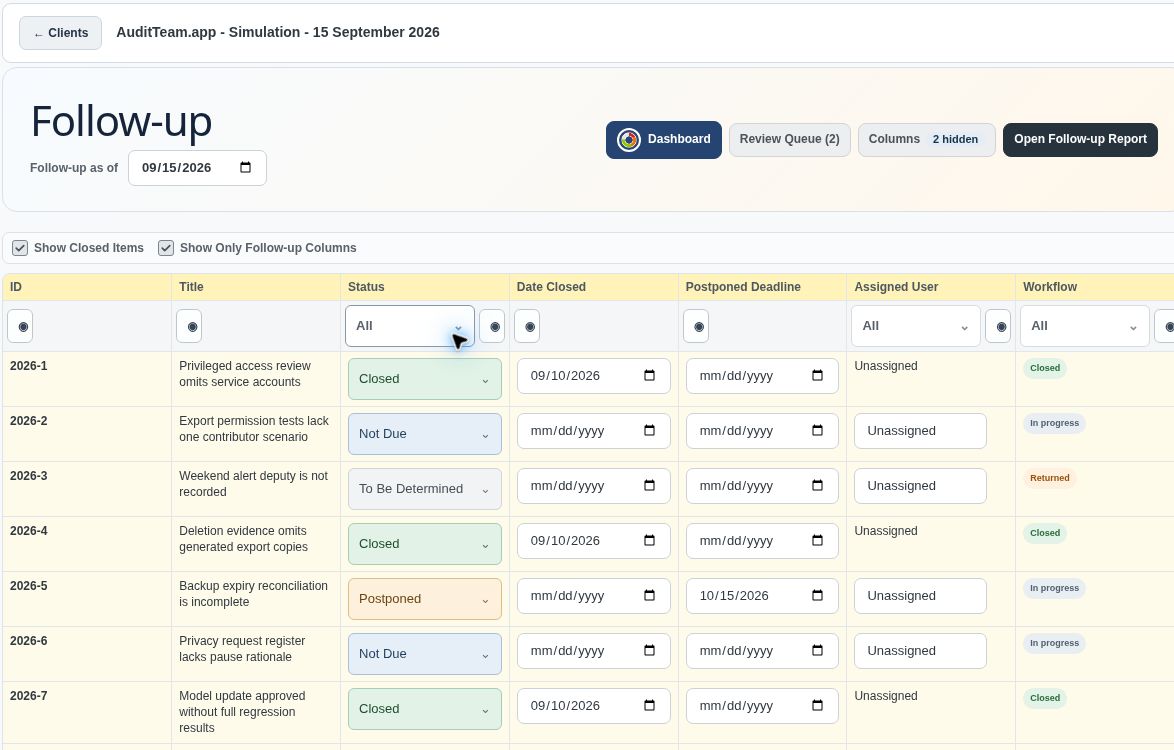
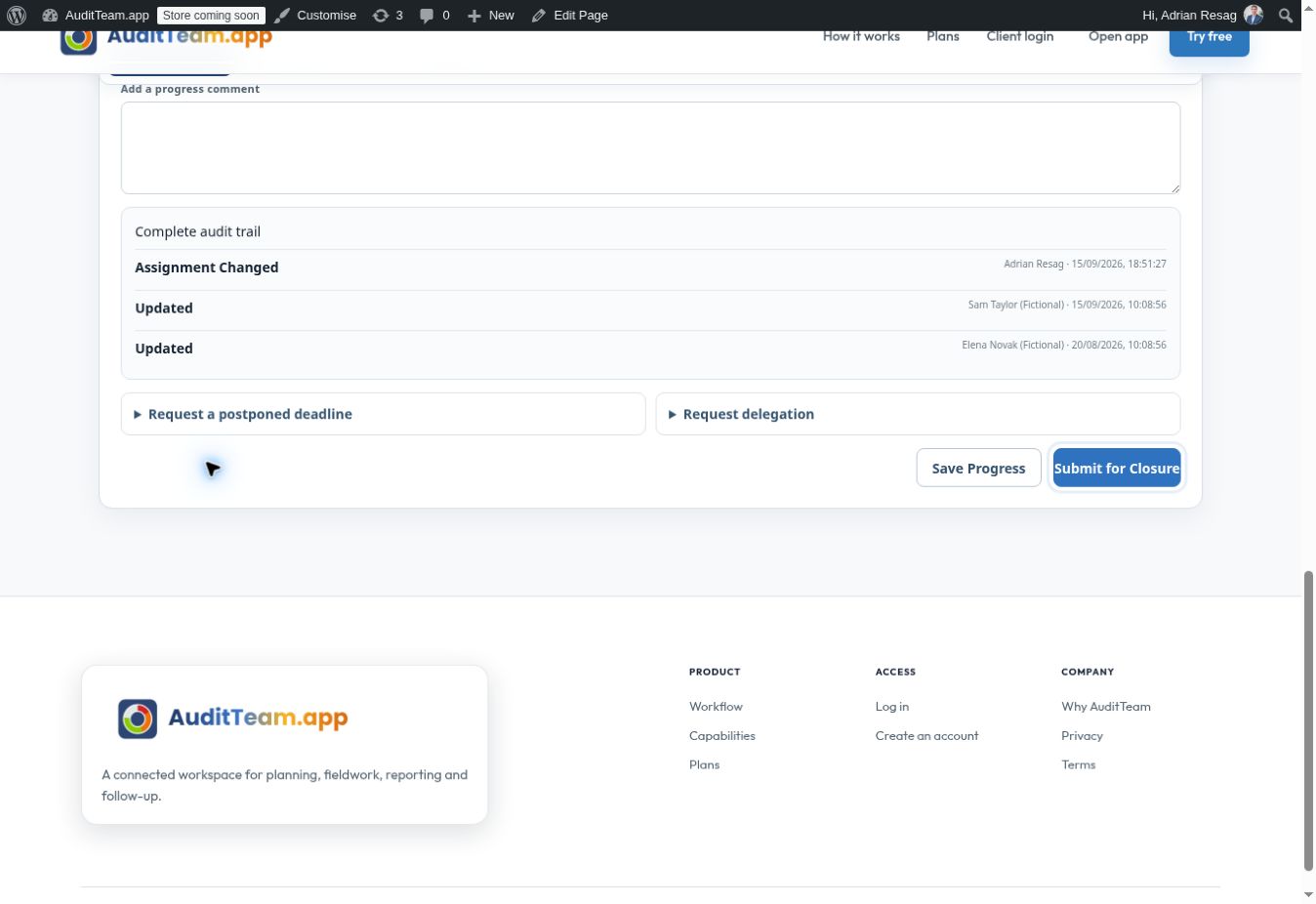
Follow actions through closureKeep agreed actions visible.
Track action status, assign a platform user and follow progress through to independent closure review.
View full screenshot ↗Actual application screenshot · Fictional demonstration data · 15 September 2026